
// Brainworx / Plugin Alliance
Shadow Hills Mastering Compressor Class A
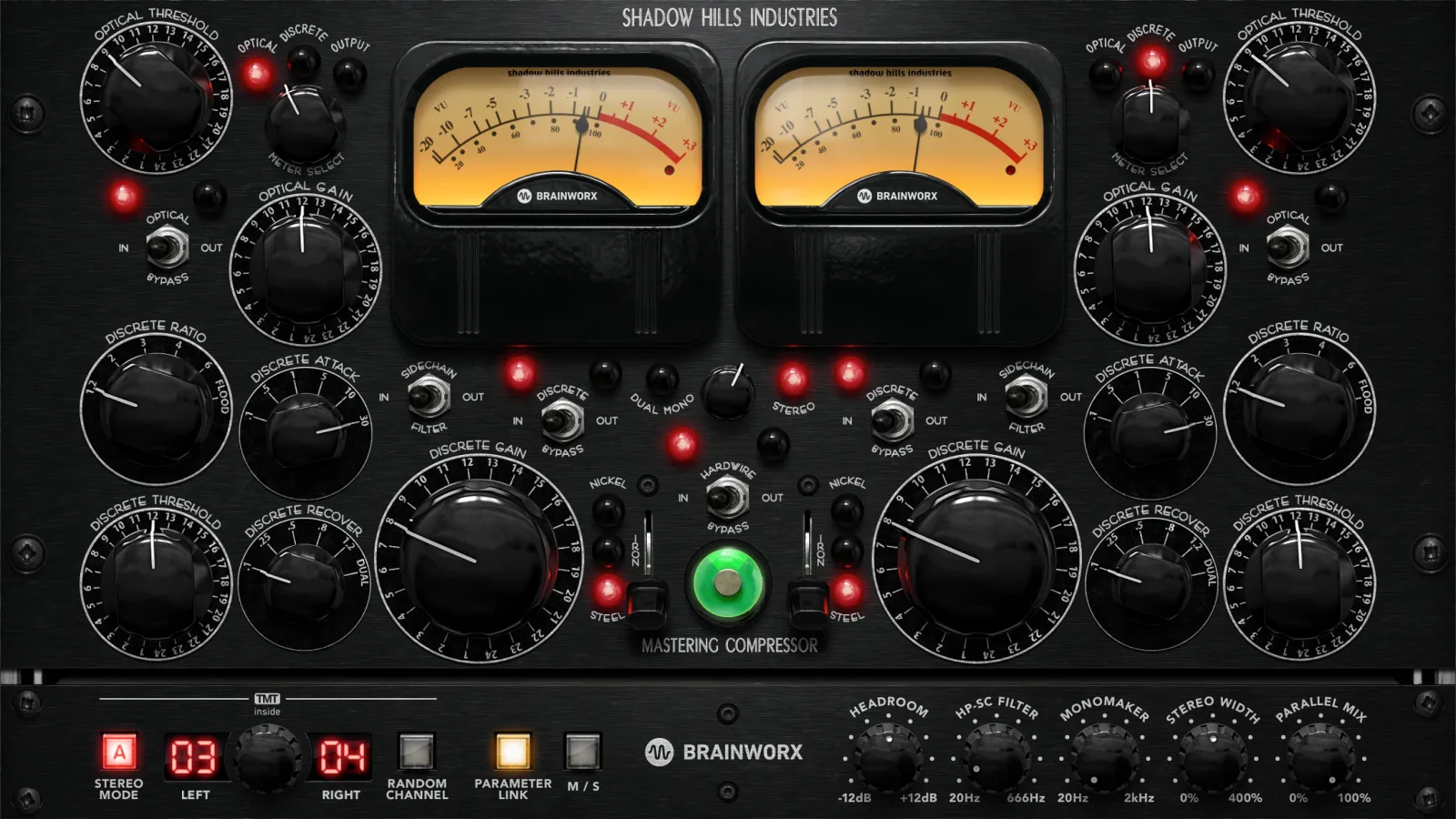
Mastering compressor: optical then discrete, 3 transformers (Nickel, Iron, Steel), with a built-in Mono Maker and adjustable sidechain filter.
step 05 · Finish (buses and master) · Compression (bus, master) · Paid
How it works
Two compressors one after the other, then a transformer stage. Each stage has its own IN / OUT switch.
01 · Stage 1
Optical
Fixed 2:1 ratio, slow attack, two-stage release
02 · Stage 2
Discrete (VCA)
Ratio from 1.2:1 to 20:1, attack in ms, recover in seconds
03 · Stage 3
Transformers
Nickel, Iron or Steel, the output colour
- Optical: 80 % of the compression is released very quickly, the remaining 20 % over more than a second.
- Discrete: with recover in the Dual position, it also releases in two stages, like the optical.
- Hardwire Bypass has to be on IN for the compressors to work. With both compressors on OUT, only the transformer colour is left.
The controls
// Discrete compressor
- Discrete Ratio1.2:1 → 20:1Last position: Flood
- Discrete Attackin ms
- Discrete Recoverin secondsDual = two-stage release, like the optical
// Transformers
- NickeltopThe cleanest, least distortion, a slight lift in the extreme highs
- IronmiddleAn extra Class A stage: even harmonics, slightly pushed low mids, musical
- SteelbottomThe most distorted, very tight and pushed low end
// Brainworx module (Class A only)
- Headroom-12 → +12 dBInternal operating level: to the left = more compression and colour, to the right = less
- HP-SC Filter20–666 Hz · 6 dB/octThe low end below it no longer triggers compression: less pumping on the kick. Needs the Sidechain Filter switch on IN
- Mono Maker20 Hz → 2 kHzEverything below the frequency goes mono. The manual gives 100–200 Hz as a common setting
- Stereo Width0 → 400 %Widens the mix without touching the centre
- Parallel Mix0 → 100 %Parallel compression: 100 % = the compressed signal only
- M/SLeft channel = Mid, right channel = Side
- TMT20 slightly different channels, like real analogue gear
// Output
- Output GainIf the OVL LED (internal overload) flashes, turn it down
The differences between the transformers are mostly heard in the low end and on a real sound system: compare them at equal loudness.
Traps
My recipes
// recipe
On the master
- Optical reduction
- ≈ 1 dB
- Discrete reduction
- ≈ 2 dB
- Discrete Ratio
- 1.2:1
- Discrete Attack
- 30 ms
- Discrete Recover
- 0.1 s
- Sidechain Filter
- IN
- HP-SC Filter
- around 150 Hz, by ear
- Mono Maker
- 100–120 Hz
- Transformer
- to taste
Starting point from the manual for mastering, then my tekno / mentalcore settings: turn the HP-SC Filter up until the compressor stops pumping on every kick (the slope is only 6 dB/oct). With the Mono Maker, no need for another mono plugin on the master.
Why these settings: The master chain// where I use it
In the tutorials
The kick
Making a kick, from layering to mixing
Attack, punch, tails that carry the sub: build a tekno / mentalcore kick layer by layer, tune the layers, make them hand over to each other, put them in phase, then glue them on the group without losing the low end.
Intermediate · Ableton · 5 min
Mastering
The master chain
Mastering a tekno track in 6 modules: compression + mono, EQ, colour and Ozone if needed, clip + limit with Elevate, then metering. Plus the habits from mix to master.
Intermediate · Ableton · 4 min
// same step
Finish (buses and master)
Brainworx / Plugin Alliance · Compression (bus, master)
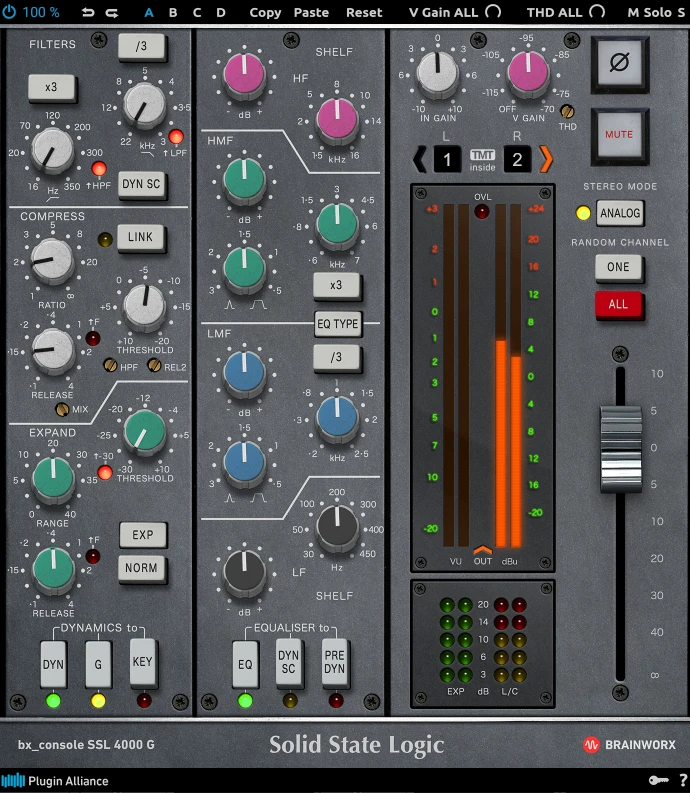
bx_console SSL 4000 G
A channel strip from the SSL G series console: filters, compressor, expander / gate, 4-band EQ (Orange or Pink) and THD saturation. 72 channel strips that each sound slightly different.
How to use it + recipes →
elysia / Plugin Alliance · Colour (bus, master)
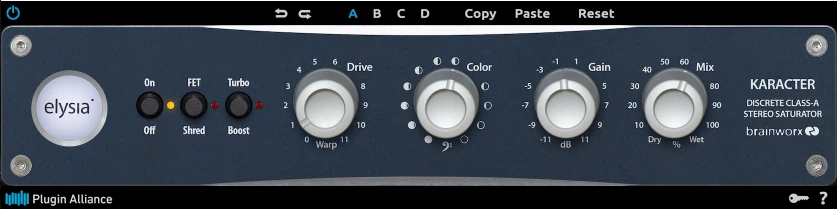
elysia karacter
Discrete class A saturation: from mastering saturation to “tube” distortion (FET Shred) and outright destruction (Turbo Boost). Two versions: Master (two channels, stereo or M/S) and Mix (a single set of controls).
How to use it + recipes →
Newfangled Audio · Final limiter
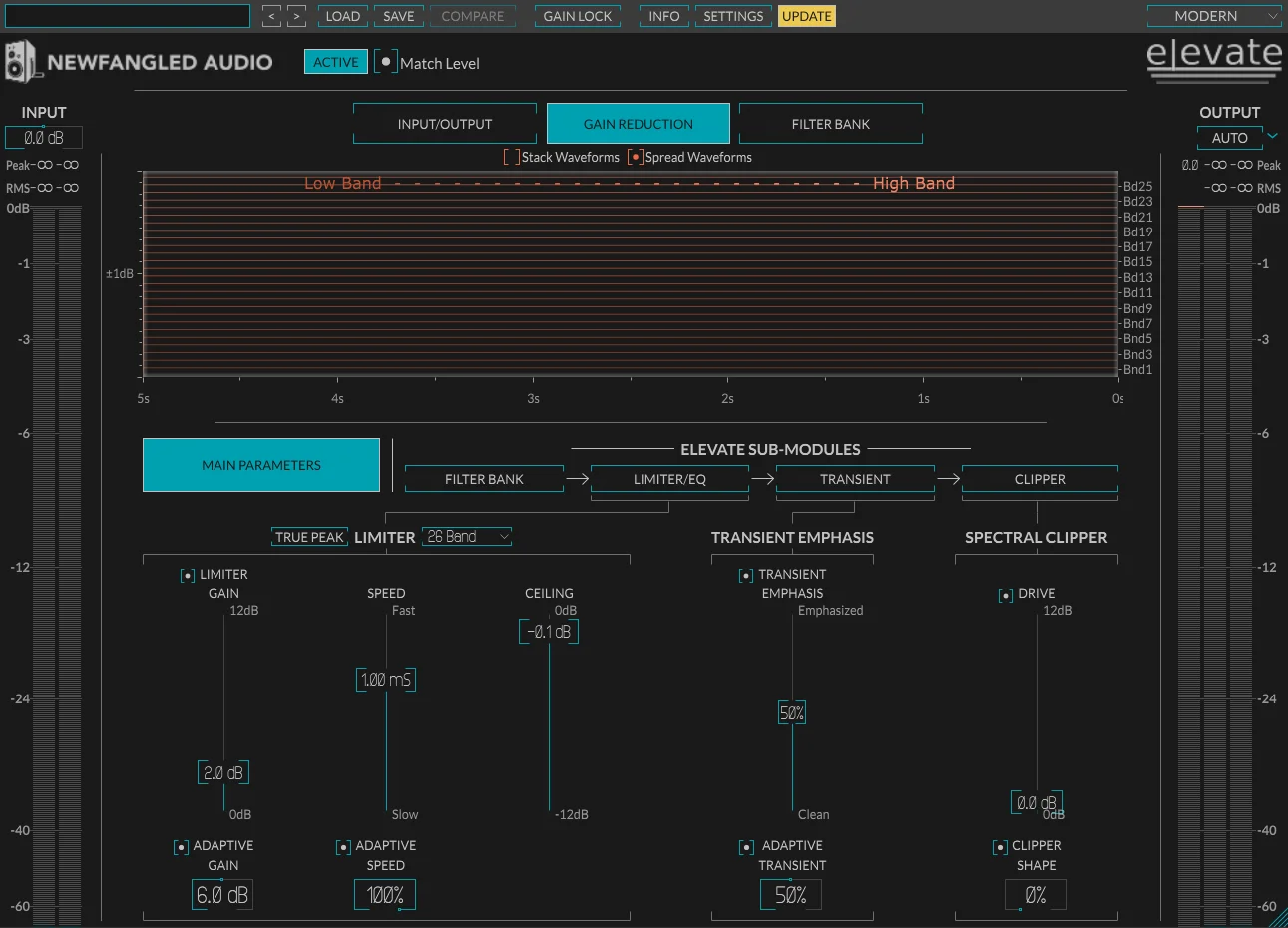
Elevate
All-in-one final limiter: a 26-band adaptive limiter, transient emphasis and a spectral clipper. The last plugin on the master, nothing after it.
How to use it + recipes →