// Brainworx / Plugin Alliance
bx_console SSL 4000 G
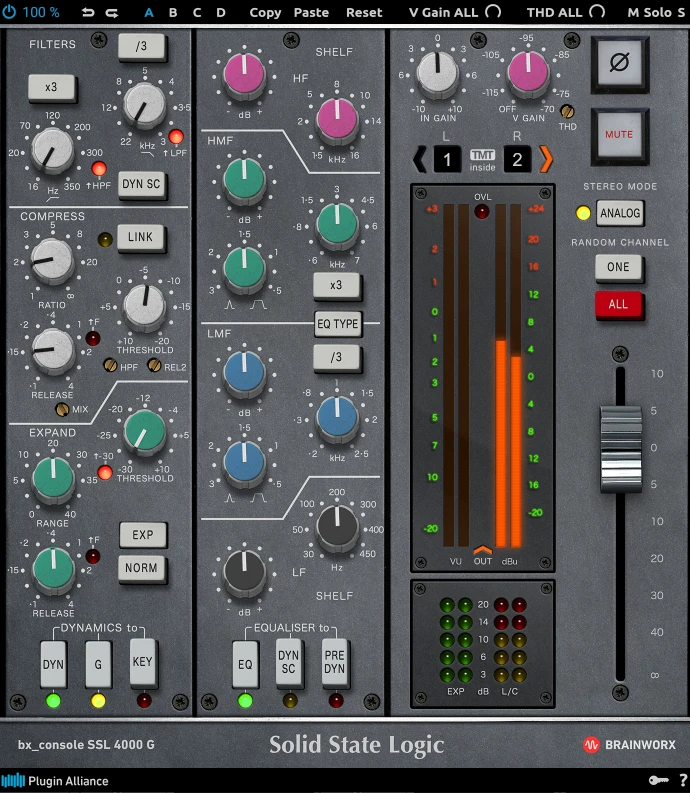
A channel strip from the SSL G series console: filters, compressor, expander / gate, 4-band EQ (Orange or Pink) and THD saturation. 72 channel strips that each sound slightly different.
step 05 · Finish (buses and master) · Compression (bus, master) · Paid
How it works
A complete channel strip from the SSL G series console: filters, dynamics (compressor + expander / gate) and a 4-band EQ, with a fader at the output.
01 · Input
In Gain
The input level: it changes what the dynamics do
02 · Stage 1
Filters
High-pass and low-pass in the signal, or in the dynamics sidechain (DYN SC)
03 · Stage 2
Dynamics
Compressor / limiter, then expander / gate
04 · Stage 3
4-band EQ
After the dynamics by default; before them with PRE DYN, in the sidechain with DYN SC
05 · Output
Fader
The output level
Two EQs in one: the EQ TYPE button switches from the “Orange” to the “Pink”, two revisions of the console that sound very different. The Orange is smooth and musical; the Pink is more pronounced, and the resonance of its low shelf gives punch and weight to the kick and the bass (according to the manual). Both keep a precise bell even with lots of gain.
The small red LEDs (↑HPF, ↑LPF, ↑F, ↑-30): lit = on. The ↑ arrow comes from the original console, where these functions were switched on by pulling the knob next to them (“Pulled = On, Pushed = Off” in the manual). For the filters, the manual says: click the LED or double-click the knob.
Every instance sounds slightly different: the plugin models 72 channel strips with their component tolerances (TMT). In stereo, ANALOG uses two neighbouring channel strips for left and right; DIGITAL uses the same one on both sides.
The controls
Filters and dynamics
// Filters
- HPF (high-pass)16 → 350 HzCuts the low end below the frequency. Switches on with the ↑HPF LED or a double-click on the knob
- x3Shifts the high-pass to 48 Hz → 1.05 kHz
- LPF (low-pass)22 → 3 kHzCuts the highs above the frequency. Switches on with the ↑LPF LED or a double-click on the knob
- /3Shifts the low-pass to 7.3 → 1 kHz
- DYN SCTakes both filters out of the signal and puts them at the input of the dynamics sidechain: they change what triggers the compression, no longer the sound
// Compressor
- RATIO1 → ∞The compression ratio above the threshold. Fully clockwise: limiter mode
- THRESHOLD+10 → -20 dBThe threshold from which it compresses
- RELEASE0.1 → 4 sThe time it takes to recover when the level drops back below the threshold
- F (fast attack)LED lit: fast attack; off: auto attack. Fast with little reduction: a punchier, more aggressive sound
- LINKLinks the compressors of the instance’s channels (left and right)
- HPF (sidechain)High-pass at the sidechain input: the low end triggers the compression less. At minimum: off
- REL2A second release time, so the compressor doesn’t pump
- MIXParallel compression: 100 % = only the compressed sound, 0 % = only the original sound
// Expander / gate
- THRESHOLD-30 → +10 dBThe threshold: below this level, the sound is attenuated; above it, it passes untouched
- -30LED lit: the threshold moves to -60 → -20 dB
- RANGE0 → 40 dBThe maximum attenuation
- RELEASE0.1 → 4 sThe time it takes to recover when the level goes back above the threshold
- F (fast attack)LED lit: fast attack; off: auto attack
- EXPExpander mode or gate mode
- NORM · INVNORM: normal. INV: you only hear what the gate is going to remove (for setting it up, or for a ducking effect)
// Dynamics to
- DYNSwitches the whole dynamics section on or off
- E · GThe G series VCA, or the more coloured E series one: a slightly different character
- KEYExternal sidechain: the dynamics react to another track instead of the incoming sound
Equaliser
// HF (highs)
- GainOn the Pink: shelf only. On the Orange: shelf or bell
- Frequency1.5 → 16 kHz
// HMF (high mids)
- GainBell
- Frequency0.6 → 7 kHz
- Q3 → 0.5The width of the bell: narrow to the left, wide to the right
- x3Shifts the high mids to 1.8 → 21 kHz
// Type
- EQ TYPEOrange or Pink. Changes the whole equaliser and the filters, even if only a few knobs change on screen
// LMF (low mids)
- /3Shifts the low mids to 67 → 833 Hz
- GainBell
- Frequency0.2 → 2.5 kHz
- Q3 → 0.5The width of the bell: narrow to the left, wide to the right
// LF (lows)
- Frequency30 → 450 Hz
- GainOn the Pink: shelf only, with the resonance that gives punch to the kick and the bass. On the Orange: shelf or bell
// Equaliser to
- EQSwitches the equaliser on or off
- DYN SCPuts the EQ in the dynamics sidechain (switches PRE DYN off)
- PRE DYNPuts the EQ before the dynamics: the compressor reacts to the equalised sound, which changes the sound a lot (switches DYN SC off). Both off: EQ after the dynamics, the default
Input, output and top bar
// Input
- IN GAIN-10 → +10 dBThe input level. It changes what the dynamics do: readjust the thresholds afterwards
- V GAINOFF → -70 dBAdds the noise floor of an analogue circuit. OFF: no noise
- THD-120 → -30 dBSaturation and density. -60 dB by default; towards -30 dB, an almost screaming distortion; at -120 dB, an ultra-clean channel strip
// Channel strip
- Channel number (TMT)1 → 72Each channel strip sounds slightly different. In stereo: two neighbouring numbers, L and R
- ØFlips the polarity
- MUTEMutes the output
- STEREO MODEANALOG: two different channel strips on the left and right. DIGITAL: the same one on both sides
- RANDOM ONEThis instance picks a random channel number not yet used in the project
- RANDOM ALLA different number for every SSL 4000 G in the project, in one click
// Output
- Fader+10 dB → ∞The output level. Pull it down a few dB to make up for heavy processing
- MetersThe OUT arrow switches the metering from input to output
- Gain reductionEXP: what the expander removes. L/C: what the compressor removes
// Top bar
- A · B · C · D4 settings within one preset, automatable in the DAW
- Copy · PasteCopies one setting into another (A into B) to make a variation
- V Gain ALL-30 → +20 dBOffsets the V GAIN of every SSL 4000 G in the project (without leaving its range; OFF stays OFF)
- THD ALL-60 → +30 dBThe same for the THD of every SSL 4000 G in the project
- M · Solo · SListen to the Mid only or the Side only (stereo instance)
Traps
My recipes
// recipe
No-kick bus
The console’s EQ, compressor and gate, after the dynamic Pro-Q 4 and before A-Console. My values are coming.
Why these settings: What goes on each bus// where I use it
In the tutorials
Mixing
What goes on each bus
The plugins on each bus of a tekno track: kick bus, no-kick bus, drums, melodies and vocal, with starting frequencies and amounts.
Intermediate · Ableton · 2 min
// same step
Finish (buses and master)
elysia / Plugin Alliance · Colour (bus, master)
elysia karacter
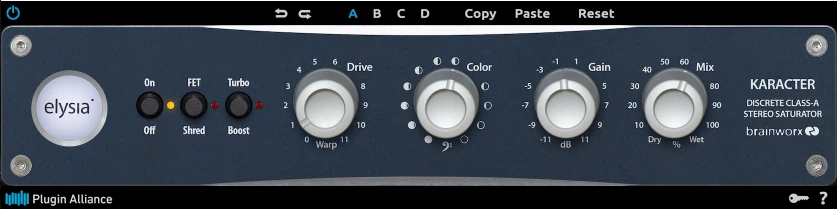
Discrete class A saturation: from mastering saturation to “tube” distortion (FET Shred) and outright destruction (Turbo Boost). Two versions: Master (two channels, stereo or M/S) and Mix (a single set of controls).
How to use it + recipes →
Newfangled Audio · Final limiter
Elevate
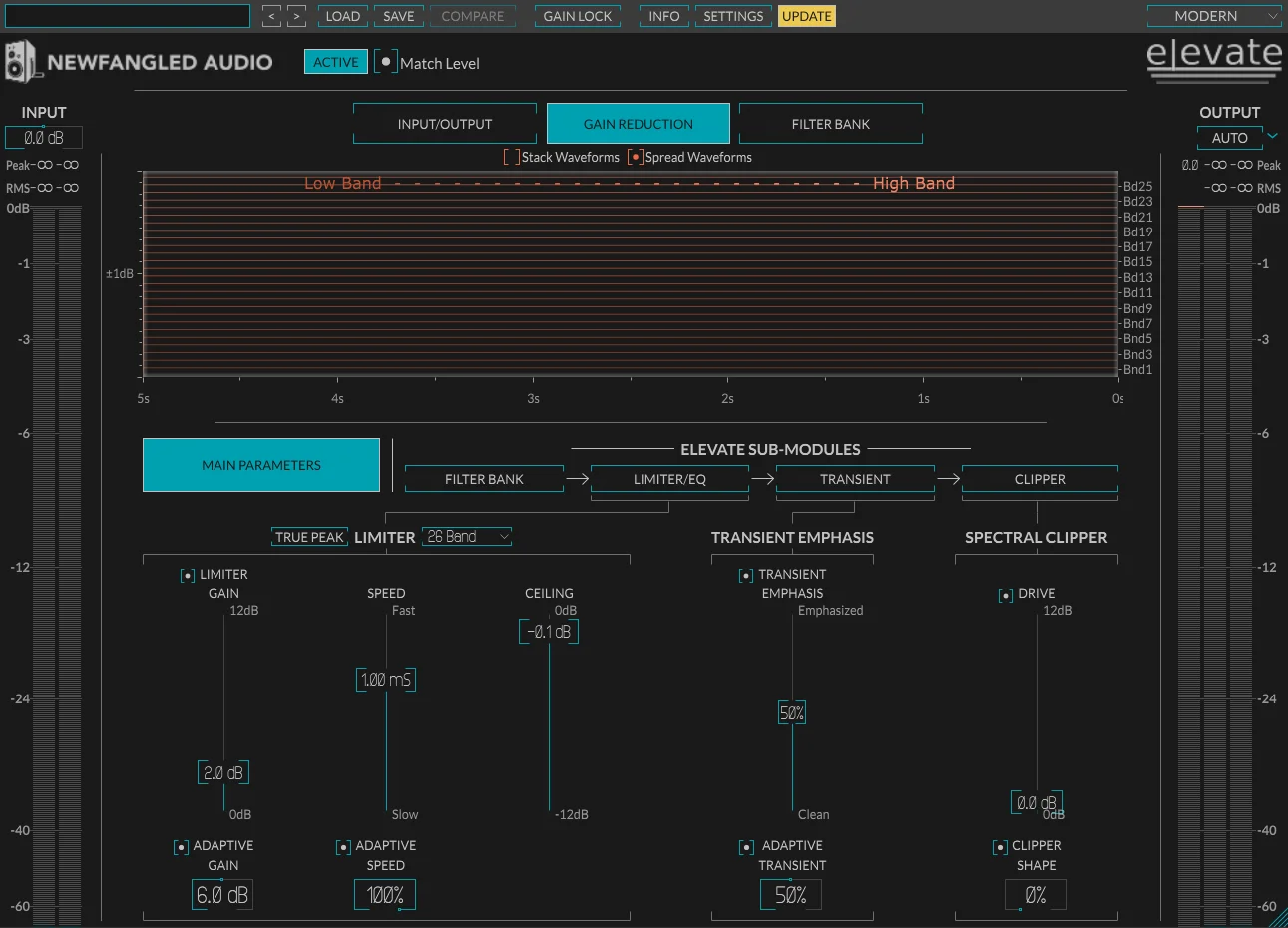
All-in-one final limiter: a 26-band adaptive limiter, transient emphasis and a spectral clipper. The last plugin on the master, nothing after it.
How to use it + recipes →
Brainworx / Plugin Alliance · Compression (bus, master)
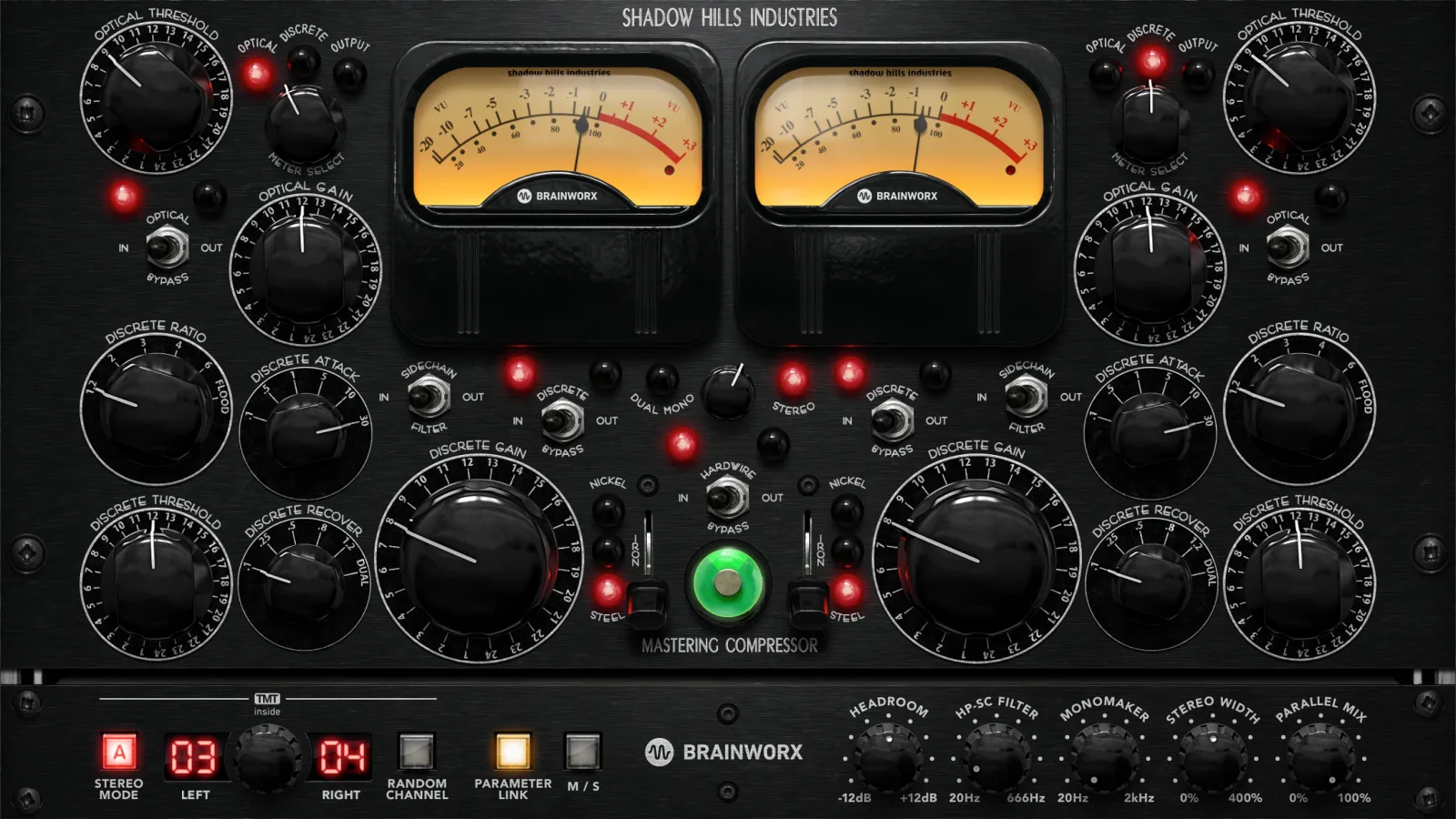
Shadow Hills Mastering Compressor Class A
Mastering compressor: optical then discrete, 3 transformers (Nickel, Iron, Steel), with a built-in Mono Maker and adjustable sidechain filter.
How to use it + recipes →