
// elysia / Plugin Alliance
elysia karacter
Discrete class A saturation: from mastering saturation to “tube” distortion (FET Shred) and outright destruction (Turbo Boost). Two versions: Master (two channels, stereo or M/S) and Mix (a single set of controls).
step 05 · Finish (buses and master) · Colour (bus, master) · also Main distortion · Paid
How it works
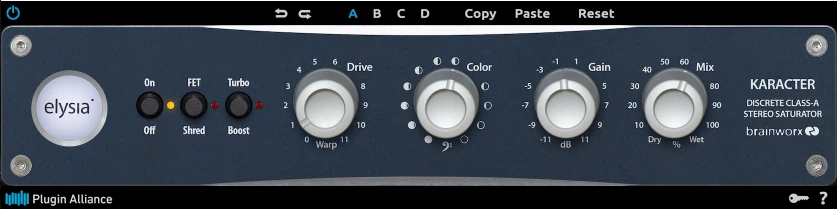
A single saturation stage, with three characters to choose from, then the output level and the dry / saturated blend.
01 · Stage 1
Drive
The amount of saturation, distortion or destruction
02 · Character
Saturation · FET Shred · Turbo Boost
Mastering saturation (LEDs off), tube-style distortion (FET Shred), or dirtier still (Turbo Boost)
03 · Stage 2
Color
The balance of harmonics vs frequencies: in the middle, neutral
04 · Output
Gain + Mix
The output level (in the middle: 0 dB), then the dry / saturated blend
Three characters (according to the manual):
- Saturation (FET Shred and Turbo Boost off): a soft, symmetrical clip, mostly odd harmonics. The sound gets bigger but stays intact: the colour for buses, stems and the whole mix.
- FET Shred: the clip becomes asymmetrical, like a cranked tube amp. More even harmonics: a musical distortion. Color has a big effect in this mode.
- Turbo Boost: FET Shred “on steroids”, even more asymmetrical. Mostly audible with lots of Drive and a hot incoming signal. No need to switch FET Shred on first.
Master or Mix: the Master version has two channels (left / right, or Mid / Side), each with its own controls. The Mix version has a single set of controls: on a mono track, or in linked stereo when you don’t need to treat the sides separately.
Automatic oversampling: 4x below 50 kHz, 2x below 100 kHz, none above.
The controls
Master version
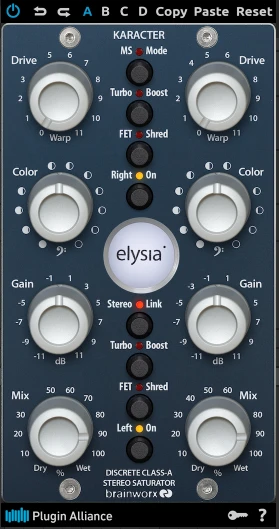
// One channel (left or Mid on the left, right or Side on the right)
- DriveThe intensity of the saturation, distortion or destruction. Clockwise = more
- ColorThe balance of harmonics vs frequencies. In the middle: neutral; to the left, more “dub” (the bass clef); to the right, more “shred”
- GainThe output level: down to the left, up to the right. In the middle: 0 dB
- MixBlend: fully left 100 % dry, fully right 100 % saturated
// Switches
- MS ModeSwitches from stereo to Mid / Side: the left-hand knobs and the bottom switches set the Mid, the right-hand ones and the top switches set the Side
- Turbo Boost (top)Turbo Boost for the right channel (or the Side)
- FET Shred (top)FET Shred for the right channel (or the Side)
- Right OnSwitches the right channel on, or bypasses it
- Stereo LinkLinks the two channels: the controls on one side also drive the other side (on in the screenshot)
- Turbo Boost (bottom)Turbo Boost for the left channel (or the Mid)
- FET Shred (bottom)FET Shred for the left channel (or the Mid)
- Left OnSwitches the left channel on, or bypasses it
// Top bar
- BypassSwitches the whole plugin off
- Undo · RedoUp to 32 steps of history
- A · B · C · D4 settings per preset, automatable in the DAW
- Copy · Paste · ResetCopies the setting, pastes it into another bank, or resets the one on screen
The 4 modes of the Master version:
| Stereo Link | MS Mode | Mode |
|---|---|---|
| on | off | linked stereo |
| off | off | unlinked stereo |
| on | on | linked Mid / Side |
| off | on | unlinked Mid / Side |
Mix version
// Switches
- On · OffSwitches the plugin on or bypasses it
- FET · ShredOff: mastering saturation. On: tube-style distortion
- Turbo · BoostEven more asymmetrical and dirtier than FET Shred
// Knobs
- DriveThe intensity of the saturation. Clockwise = more
- ColorIn the middle: neutral; to the left, more “dub”; to the right, more “shred”
- GainThe output level. In the middle: 0 dB
- MixBlend: to the left 100 % dry, to the right 100 % saturated
Traps
My recipes
// recipe
On the master (if needed)
Colour, only if the master needs it: the Master version, between Pro-Q 4 and Ozone in my rack. My values are coming.
Why these settings: The master chain// where I use it
In the tutorials
Mastering
The master chain
Mastering a tekno track in 6 modules: compression + mono, EQ, colour and Ozone if needed, clip + limit with Elevate, then metering. Plus the habits from mix to master.
Intermediate · Ableton · 4 min
// same step
Finish (buses and master)
Brainworx / Plugin Alliance · Compression (bus, master)
bx_console SSL 4000 G
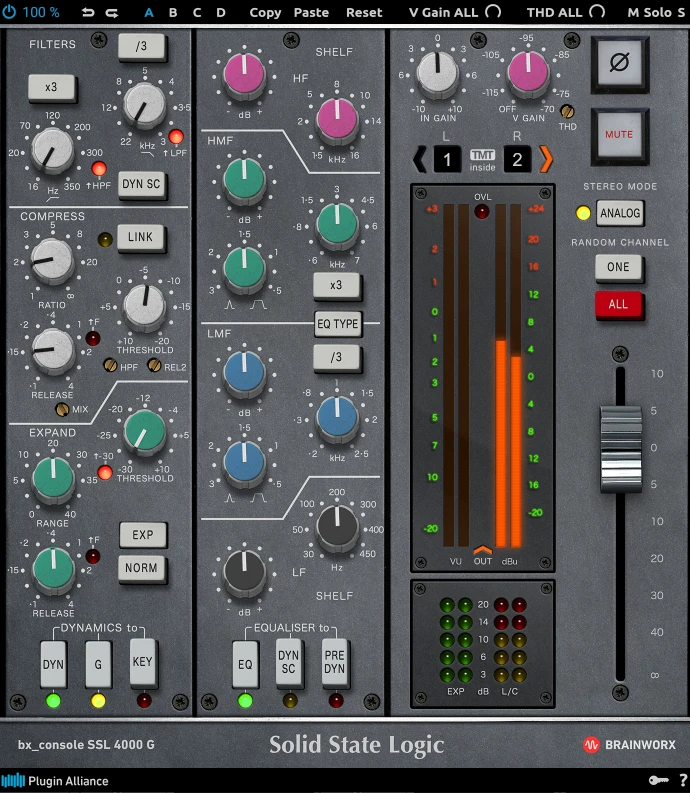
A channel strip from the SSL G series console: filters, compressor, expander / gate, 4-band EQ (Orange or Pink) and THD saturation. 72 channel strips that each sound slightly different.
How to use it + recipes →
Newfangled Audio · Final limiter
Elevate
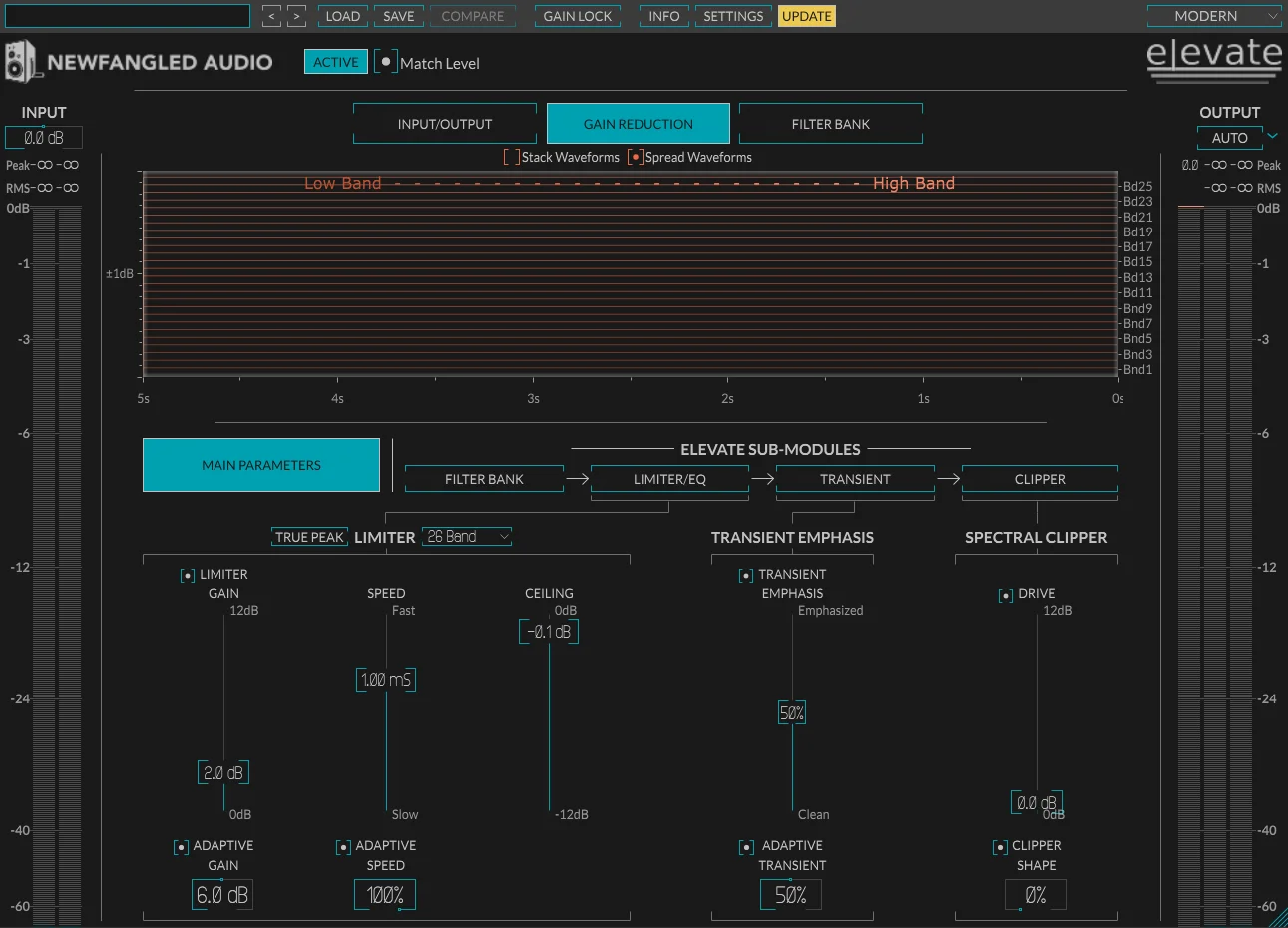
All-in-one final limiter: a 26-band adaptive limiter, transient emphasis and a spectral clipper. The last plugin on the master, nothing after it.
How to use it + recipes →
Brainworx / Plugin Alliance · Compression (bus, master)
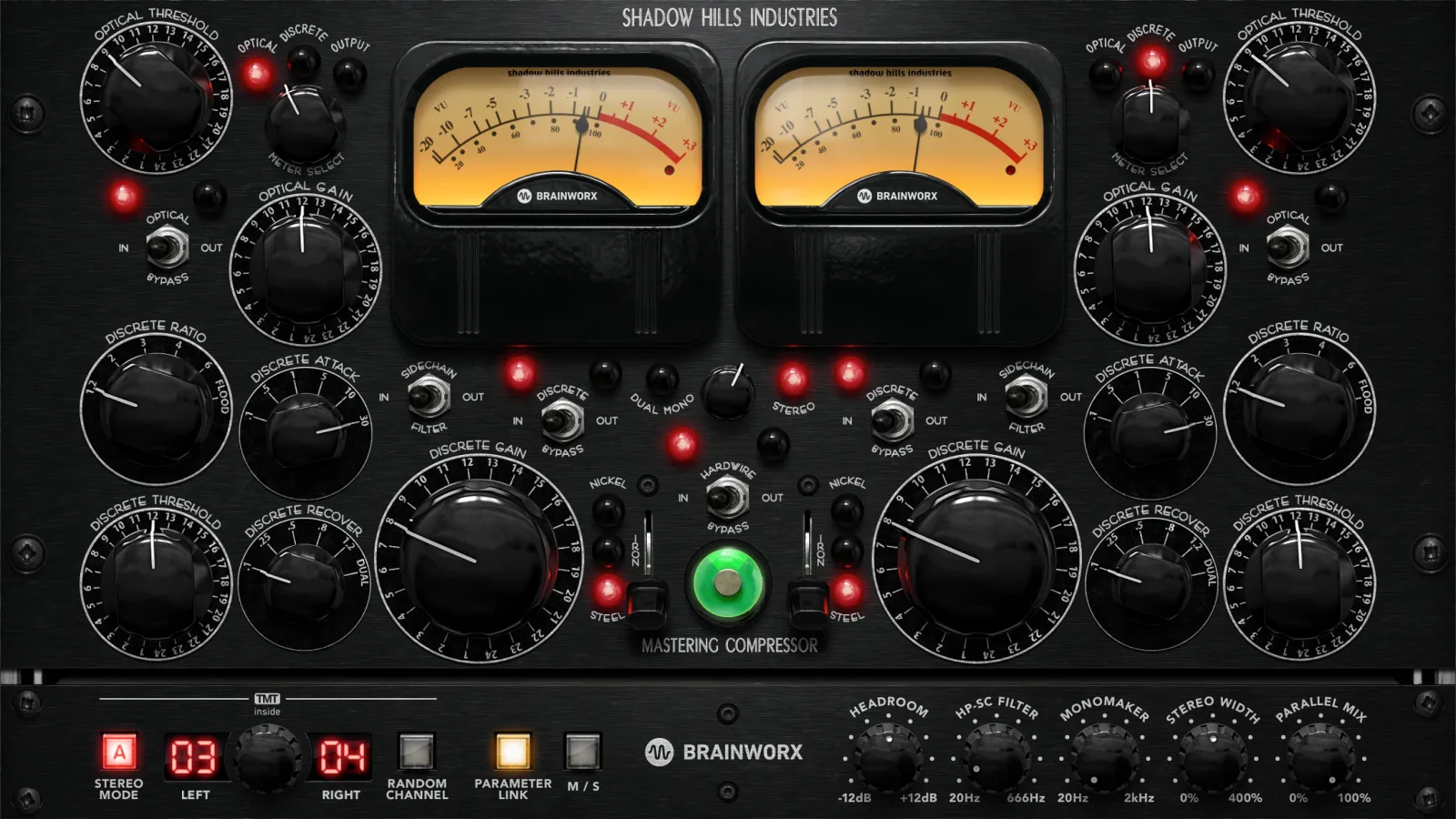
Shadow Hills Mastering Compressor Class A
Mastering compressor: optical then discrete, 3 transformers (Nickel, Iron, Steel), with a built-in Mono Maker and adjustable sidechain filter.
How to use it + recipes →